
 Leo Xu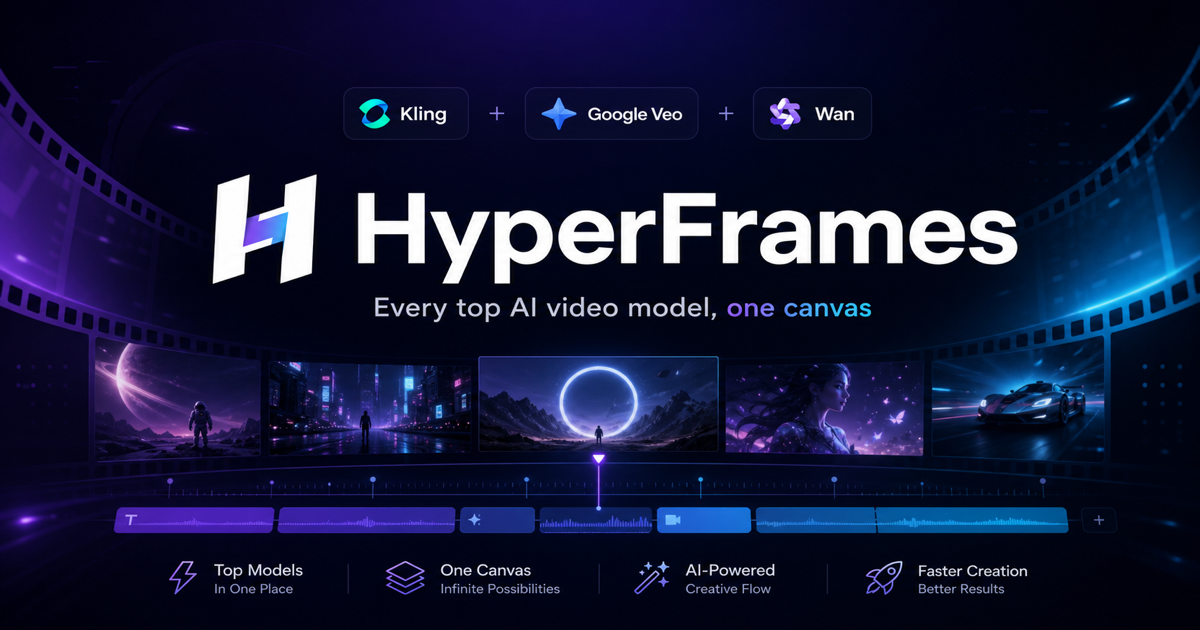
Kling vs Veo vs Wan: which AI video model should you use?
I run HyperFrames, which routes a single prompt to whichever generative video model fits the shot. That means I watch the same prompts come out of Kling, Google Veo, and Wan side by side, every day. The honest answer to "which model is best?" is none of them — it depends on the shot. Here is how I actually choose.
The short version
| Model | Best at | Scenes | Clip length | Relative cost | Pick it when |
|---|---|---|---|---|---|
| Google Veo 3 / 3.1 | Photoreal realism, native audio, prompt adherence | Text→video, Image→video | 4–8s | Highest | The shot has to look real, or needs sound |
| Kling 2.1 | Smooth human motion, longer takes, value | Text→video, Image→video | 5 or 10s | Low–mid | Character movement, dance, action, budget shots |
| Wan Pro | Fast image-to-video, stylized motion | Image→video | 4s | Lowest | Animating a still you already have, quickly |
Google Veo 3 / 3.1 — the realism + audio play
Veo is the one I reach for when the brief is "this needs to look like it was filmed." Its strengths:
- Photorealism and physics. Reflections, depth of field, and how light falls on a face are the most convincing of the three.
- Native audio. Veo 3 can generate synchronized sound and ambient audio, which none of the others do natively. For a talking shot or an atmospheric scene, that saves a whole sound-design pass.
- Prompt adherence. It follows a detailed prompt — specific camera moves, specific actions — more literally.
The trade-off is cost and length. Veo is the most expensive model per clip and caps shorter (4–8 seconds on the variants I serve). I use Veo 3 Fast for quick text-to-video drafts and Veo 3.1 (up to 1080p, 8s) when the final shot has to hold up at full quality.
Kling 2.1 — the human-motion workhorse
Kling is the model I default to for anything with a person moving. Walking, dancing, gesturing, fight choreography — Kling's temporal consistency on bodies is excellent and it holds a coherent subject across a longer take.
- Up to 10-second clips — double what Veo gives you, which matters when a single continuous motion needs room to breathe.
- Both text-to-video and image-to-video, so you can start from a prompt or animate a keyframe.
- Strong cost-to-quality ratio. It's a fraction of Veo's price per clip, which makes it the right call when you're generating a lot of variations.
Where Kling is weaker: hard photorealism and fine text/hands can wobble more than Veo. For stylized, energetic, human-centric content it's usually my first try.
Wan Pro — fast image-to-video
Wan Pro is image-to-video only in the lineup I run, and that's exactly its niche: you already have a still — a product shot, a poster, a generated frame — and you want to give it motion fast and cheap. It's the lowest-cost model per clip and turns a 4-second animation around quickly. I use it for B-roll, looping background motion, and quick "make this image move" tasks where I don't need Veo's realism.
How I actually decide
- Does it need to look real or need sound? → Veo.
- Is a person moving, or do I need a longer continuous take on a budget? → Kling.
- Do I just need to animate an existing image, fast and cheap? → Wan Pro.
That decision tree is the whole reason HyperFrames exists. Instead of three logins, three credit wallets, and three prompt dialects, you describe the shot and pick the model from one screen — on one credit balance, with failed generations refunded automatically. The comparison above isn't academic for me; it's the routing logic I use every day.
Specs (duration, scenes, resolution) reflect the model variants HyperFrames currently serves and can change as providers ship new versions.