
HyperFrames
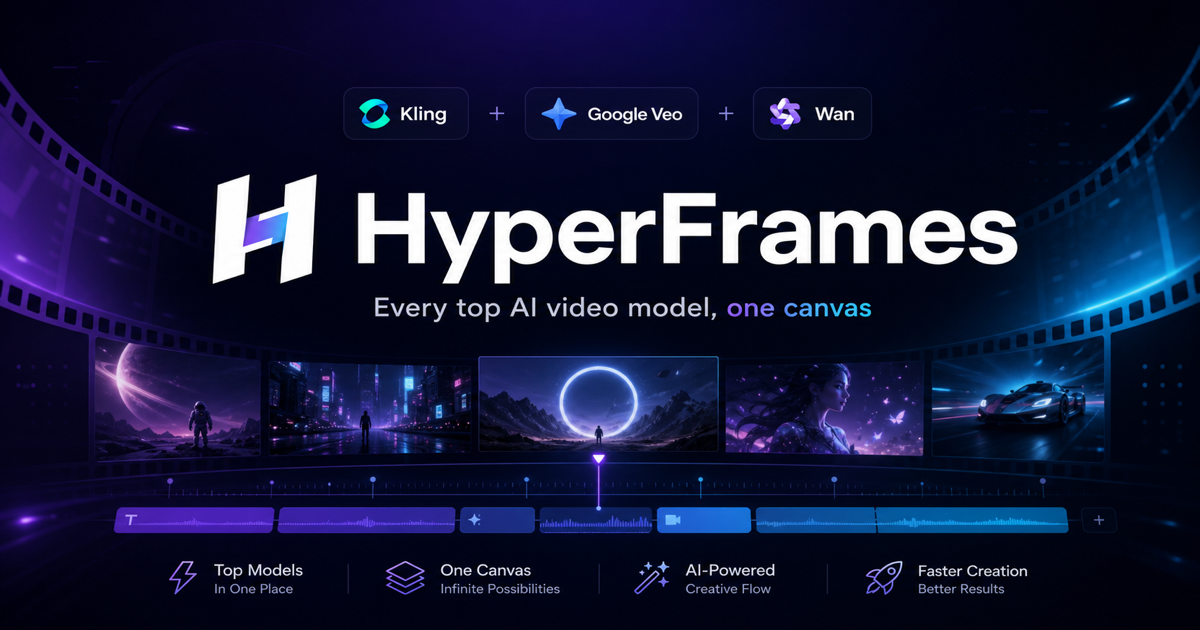
Every top AI video model. One canvas. That's HyperFrames.
HyperFrames turns a sentence or a single image into cinematic video, routing each prompt to Kling, Google Veo, Wan and more — one credit balance instead of five subscriptions.
- Kling 2.1
- Google Veo
- Wan 2.2
- Text-to-Video
- Image-to-Video
- Commercial Use
- No Watermark
- API
- Failed generations are automatically refunded to your balance.
- Commercial use included, with no watermark on paid plans.
- One credit balance spends across every model.
The short version
What is HyperFrames?
HyperFrames is a multi-model AI video generator. You describe the shot, or upload a still image, and HyperFrames sends the job to the model that fits it — Kling 2.1 for longer takes, Google Veo for fast text-to-video, Wan Pro for animating a photo, or Veo 3.1 when the shot needs a premium pass. One account reaches all four models.
Most people making video every week end up paying for three or four AI tools and using none of them fully. HyperFrames puts the whole job on one canvas instead: a single credit balance that every model spends from, a price shown before you confirm a render, and an automatic refund if a generation fails.
Start from a written prompt or bring a photo to life, then choose the duration and the aspect ratio. Renders land in your library as MP4 files up to 1080p, in landscape, portrait or square. Every clip you generate on a paid plan is yours to use commercially, with no watermark.
Product teams use HyperFrames for launch loops and app-store assets, marketers for ad variants, and developers for queues wired into their own tools. Because everything sits under one account, moving a shot from a cheap fast model to a premium one is a dropdown, not a new signup.
If you only ever needed one model, a single subscription would be simpler. HyperFrames exists for the week when your favourite model is beaten on quality, rate-limited at launch, or simply wrong for the shot: switching is a dropdown, the credits you already bought still work, and you are not paying for a second tool you will abandon next month.
- Models
- Kling 2.1, Google Veo 3 and 3.1, Wan Pro
- Inputs
- Text to video and image to video
- Output
- MP4 up to 1080p, in 16:9, 9:16 or 1:1
- Pricing
- Credits per generation, refunded if a render fails
The line-up
Four models, one balance
Pick the model that fits the shot. HyperFrames shows the credit cost before you generate, and refunds a render that fails.
Kling 2.1 · Standard
Standard
- Text to video
- Image to video
- 5 / 10s
Routed via kie
Official demosVeo 3.1 · Premium
Premium
- Text to video
- Image to video
- 4 / 8s
Routed via kie
Official demosModel names are trademarks of their respective owners. HyperFrames is an independent product and is not affiliated with Google, Kuaishou, or Alibaba. Linked demo reels are the vendors’ own material.
Who it is for
Built for people shipping video weekly
One canvas instead of five subscriptions — whichever model happens to be best this month.
Marketers
Turn a campaign line into social-ready cuts in both landscape and vertical, without booking a shoot.
Product teams
Animate product stills into short demo loops for launch pages and app-store assets.
Short-form creators
Draft vertical hooks on the cheap fast tier, then re-render the winner on a premium model.
Educators
Illustrate a concept that would be impractical to film, in a clip short enough to hold attention.
How it works
Three steps to a finished clip
No install, no per-model subscriptions. Write, configure, download.
- 01
Describe the shot
Write a prompt, or upload a still image to animate.
- 02
Pick model and format
Choose the model, duration and aspect ratio. The credit cost updates before you commit.
- 03
Download the MP4
Renders land in your library. Download and use them commercially.
Why HyperFrames
One platform, every model
Stop juggling tools and credits. HyperFrames routes your prompt to the best generative video model for the job.
Multi-Model Engine
Kling, Google Veo, Wan and more — pick a model or let HyperFrames choose the best fit for your prompt.
Text & Image to Video
Start from a written idea or bring a still image to life. Control motion, duration, and aspect ratio.
One Credit Balance
A single wallet across every model. No separate subscriptions, no stranded credits.
Commercial License
Every clip you generate is yours to use commercially — no watermarks, no usage traps.
Refunded If It Fails
If a render fails, the credits go straight back to your balance. You only pay for videos that actually arrive.
Developer API
Automate generation at scale with a clean REST API and webhooks for async results.
Simple credit pricing
One HyperFrames balance, spendable on any model — Kling, Google Veo or Wan. The more credits you buy, the lower the cost per generation.
Starter
For trying it out
- Every model, including premium
- 1,200 credits / month
- Email support
Creator
For regular creators
- Lower cost per credit
- 2,800 credits / month
- Commercial use, no watermark
- API access
Studio
For teams & high volume
- Everything in Creator
- 8,000 credits / month
- Dedicated support
- API keys and webhooks
Frequently asked questions
Everything you need to know about HyperFrames before you generate your first clip.
From the blog
Guides, model comparisons, and prompt tips for AI video.
Everygen AI Video Generator: A Practical Workflow Guide
Compare an Everygen AI video generator workflow with a focused multi-model canvas. Plan shots, check exports, and choose a practical path for your next video.
 Leo Xu
Prototyping Open-World Game Environments: Multi-Model AI Video Routing on One Canvas
How routing prompts across Kling, Google Veo, and Wan on a single canvas accelerates urban game concept design and cutscene iteration.
Leo XuCharacter Consistency in AI Video: A Multi-Shot Production Workflow
Keep an AI-video character recognizable across shots with a continuity bible, reference images, controlled angles, prompt anchors, and frame-level review.
Leo XuBring your first idea to life with HyperFrames
Generate your first AI video free — no credit card, no watermark. See why creators trade five subscriptions for one HyperFrames canvas.