
 Leo Xu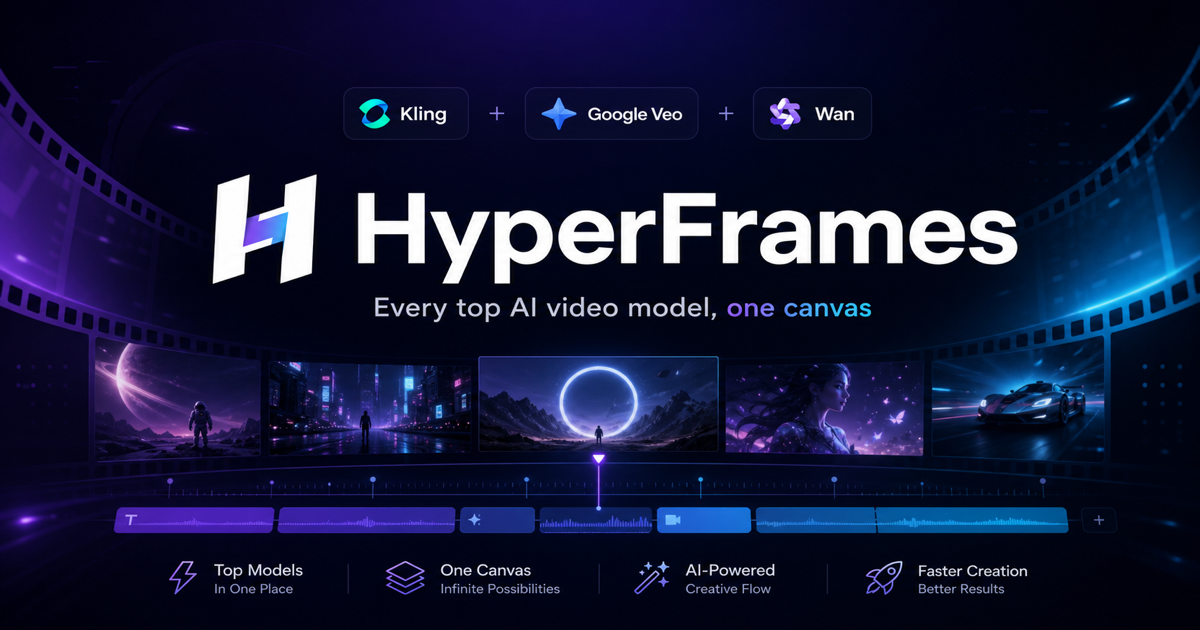
When "The entire city of San Francisco as a video game" trended across Hacker News, it sparked active discussions among indie developers about the speed of modern worldbuilding. Prototyping an open-world game requires rapid visual experimentation: comparing daylight aerial passes against moody, neon-lit nocturnal street corners.
No single video model dominates every visual domain. One engine might provide rock-solid camera mechanics for aerial sweeps, while another delivers superior volumetric lighting or stylized particle physics. For concept artists and technical directors, committing an entire pipeline to one vendor limits creative exploration.
The Case for Multi-Model Video Routing
Evaluating different generative video engines on the same prompt brief highlights their distinct strengths:
- Wide Aerial Sweeps: Testing high-altitude camera sweeps across suspension bridges and skylines using models optimized for large-scale geometric continuity (such as Kling).
- Photorealistic Lighting: Generating ground-level pedestrian perspectives through foggy avenues with models tuned for natural lighting and reflection (such as Google Veo).
- Stylized Variations: Testing artistic color palettes, retro game aesthetics, or weather shifts using fast diffusion backends (such as Wan).
Organizing Prompts and Iterations on a Visual Canvas
Working through disconnected web tabs and rigid prompt forms breaks creative momentum. A spatial canvas layout simplifies comparative staging:
- Side-by-Side Comparison: Place 3D blockout frames alongside generated video outputs to evaluate perspective accuracy.
- Parallel Model Dispatch: Send a single scene description to multiple video engines simultaneously to see which architecture interprets the prompt best.
- Storyboard Assembly: Select and arrange winning generations directly on the canvas to build trailer storyboards, pitch decks, or visual style guides.
Multi-Model Video Aggregation on HyperFrames
To remove the friction of juggling multiple API keys and fragmented billing accounts, HyperFrames aggregates leading generative video models—including Kling, Google Veo, and Wan—into a single canvas interface.
Operating under one shared credit balance, HyperFrames gives developers and artists the freedom to route prompts across multiple video engines without platform lock-in. It lets indie studios and animators explore visual styles quickly and pick the best render for every cutscene.