
 Leo Xu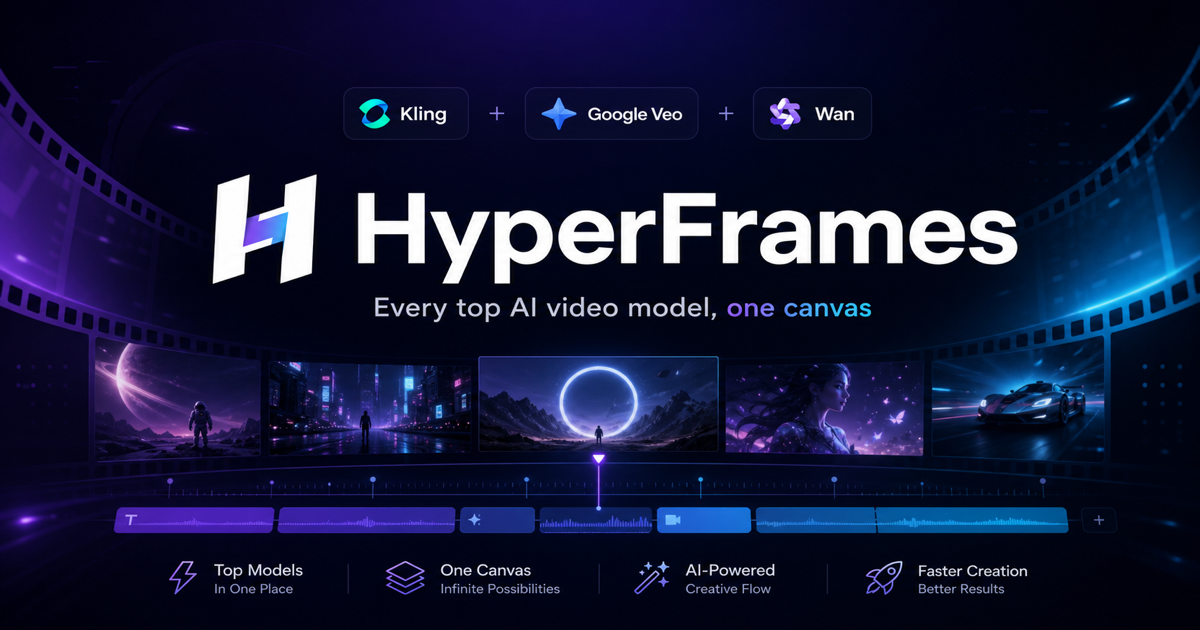
Text-to-video for marketing in 2026: a practical playbook
AI text-to-video crossed the "good enough to ship" line for short-form marketing somewhere in the last year. I build tooling in this space and produce my own marketing videos with it, so this is the playbook I actually use — not a hype piece.
What text-to-video is good at right now
Be honest about the sweet spot. Today's models are excellent at:
- Short clips (4–10 seconds) — exactly the length of a social hook, an ad bumper, or a B-roll cut.
- Atmospheric and product shots — a drink condensating, a cityscape at golden hour, an abstract loop behind a headline.
- Stylized motion — the kind of energetic, scroll-stopping movement that performs on TikTok, Reels, and Shorts.
They still struggle with long narratives, perfectly legible on-screen text, and dependable hands. So the winning pattern is many short, strong clips edited together, not one long generated film.
Match the model to the shot
Marketing footage isn't one thing, so one model won't be best for all of it:
- Hero/product shot that must look real → a realism-first model like Google Veo. If the shot also needs sound, Veo's native audio saves a separate pass.
- Person moving — a dancer, an athlete, a lifestyle moment → Kling, for its smooth human motion and longer 10-second takes.
- Animate an existing still — a product photo, a poster, a generated key visual → a fast image-to-video model like Wan Pro, which is the cheapest way to add motion.
This per-shot matching is exactly why I built HyperFrames as a multi-model tool: a single campaign usually needs two or three different models, and switching between three separate apps and three credit wallets mid-edit is its own tax.
Writing prompts that convert
For marketing specifically:
- Lead with the subject and the action, then the style. "A frosted glass of cold brew on a marble counter, slow push-in, morning light" beats a pile of adjectives.
- Specify the camera move — push-in, orbit, static, handheld. It's the single biggest lever on whether a clip feels premium or amateur.
- Match aspect ratio to the platform up front — 9:16 for TikTok/Reels/Shorts, 16:9 for YouTube and web, 1:1 for feed.
- Generate variations. The cost per clip is low enough that you should make 4–6 takes and cut the best, not gamble on one.
Keeping cost and rights under control
Two things kill marketing-video projects: runaway spend and unclear usage rights.
- Cost: generate drafts on a cheaper, faster model, then re-render only the chosen shots on a premium model. Track spend in credits, not vague "tokens," so the per-clip cost is obvious before you click. On HyperFrames, a failed generation is refunded automatically, so a model hiccup never quietly eats budget.
- Rights: confirm commercial use is covered before you put a clip in a paid ad. HyperFrames clips come with a commercial license and no watermark, which is the baseline you want for anything client-facing.
The 2026 workflow, start to finish
- Storyboard the cut as a list of 4–10 second shots.
- For each shot, pick the model by the rules above.
- Prompt with subject → action → camera → style, in the right aspect ratio.
- Generate several variations per shot; pick the best.
- Re-render only the final picks at premium quality.
- Edit the clips together; add captions and sound.
None of this requires a film crew or a five-figure budget — it requires picking the right model per shot and keeping your costs legible. That's the whole job, and it's the job HyperFrames is built to make boring.